How It Works
Learn how to view, share, and chat with AI characters using OpenTamago
CharX Viewer
Open CharX character files right in your browser. Everything is processed locally for complete privacy.
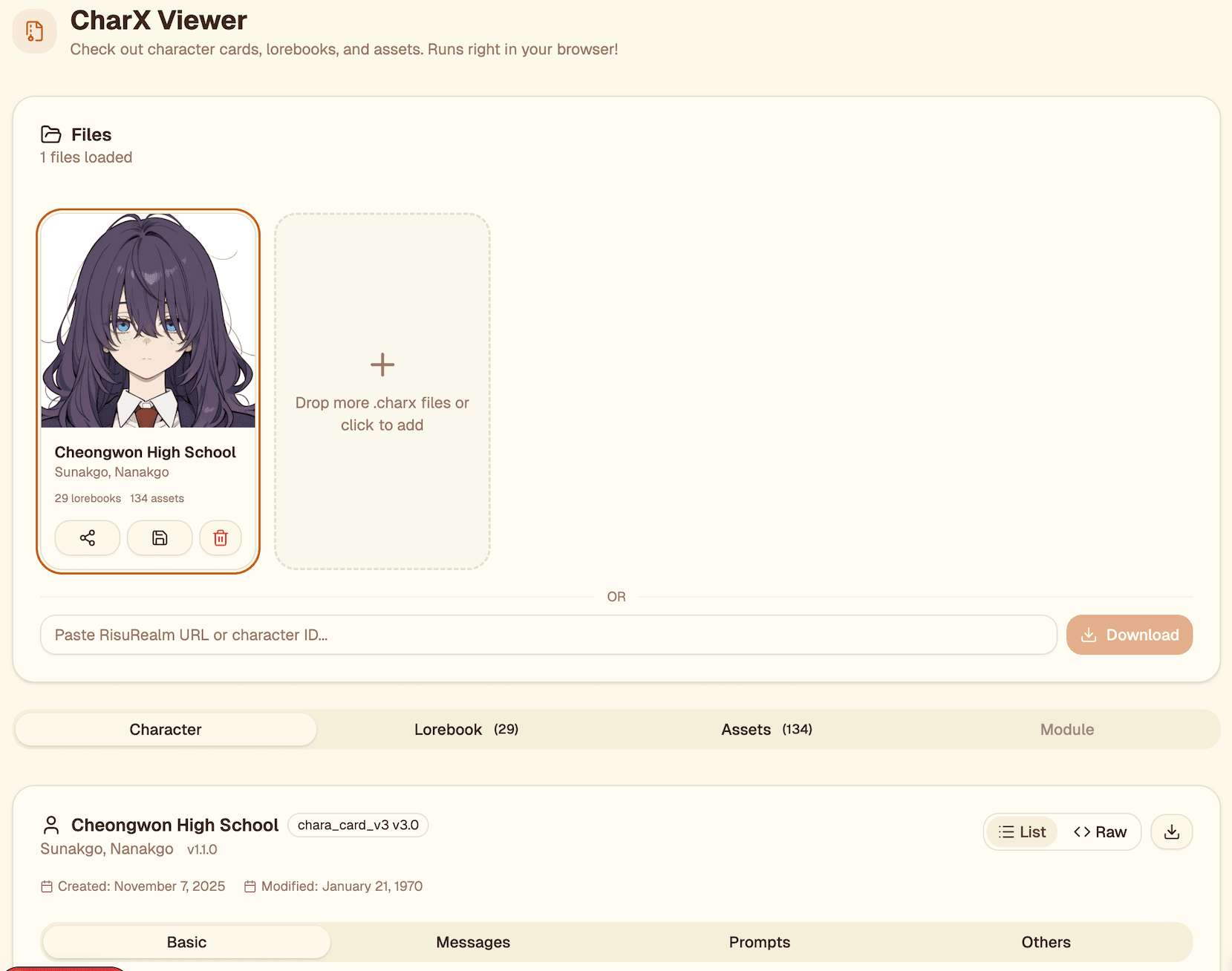
Drag and drop .charx files or click to browse
See character details, personality, and greetings
Browse lorebook entries with keyword triggers
Check out embedded images like emotions and avatars
CharX Editor
Create and edit AI characters with an AI-powered assistant. Design personalities, write greetings, and build lorebooks.
Start from scratch or import from your PokeBox
Define personality, scenario, and example dialogues
Add world info entries with keyword triggers
Save to PokeBox or export as .charx file
CharX PokeBox
Your personal character library. Store, organize, and manage all your AI characters in one place.
Add characters from .charx files or create new ones
Browse and search your character collection
View character info, lorebook, and assets
Select a character and begin a conversation
P2P Share
Share files directly with friends using P2P. Nothing gets stored on servers.
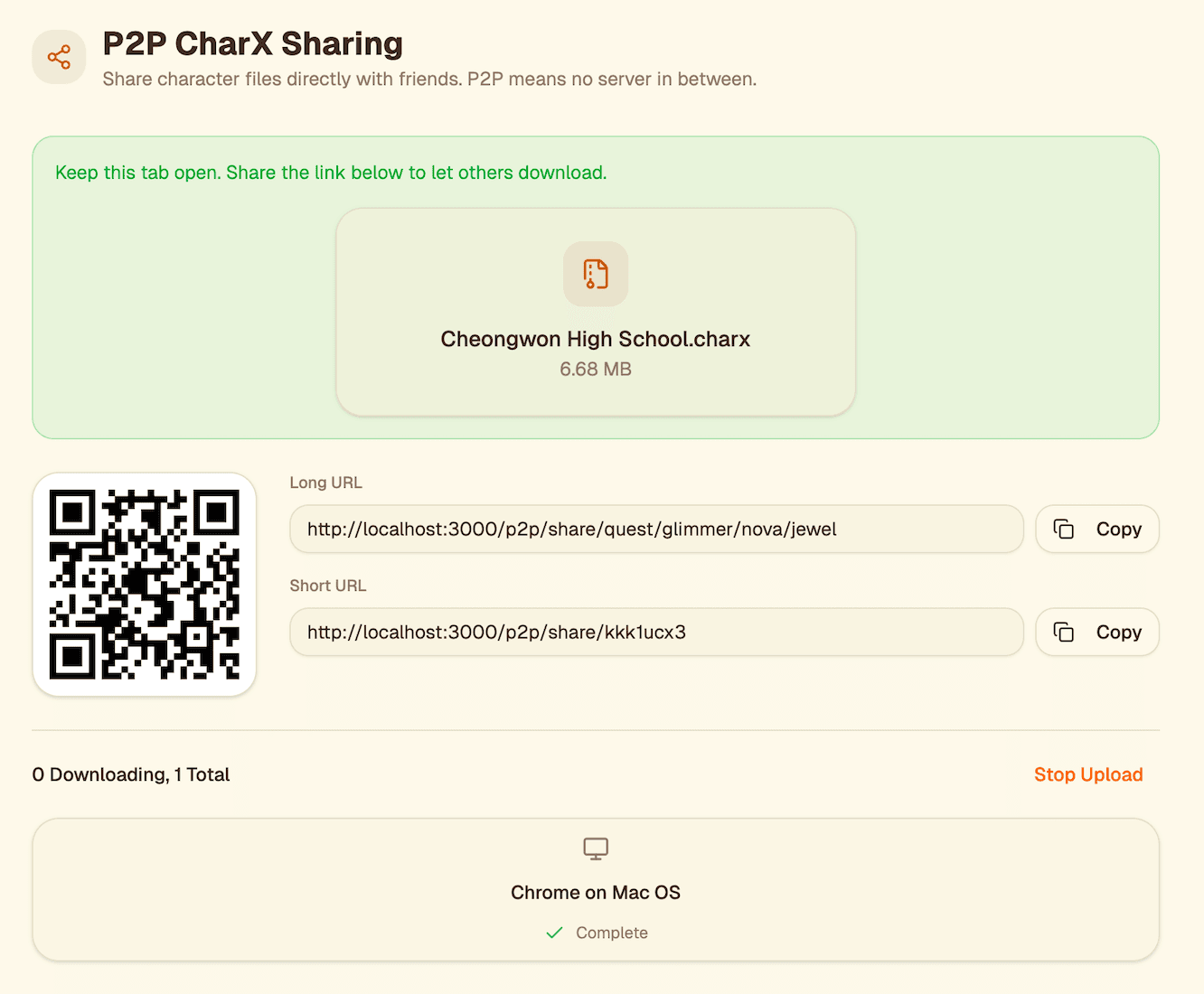
Choose a file to share
Get a QR code and shareable link
Files transfer directly via WebRTC
Receivers download directly from you
P2P Multi-Character Chat
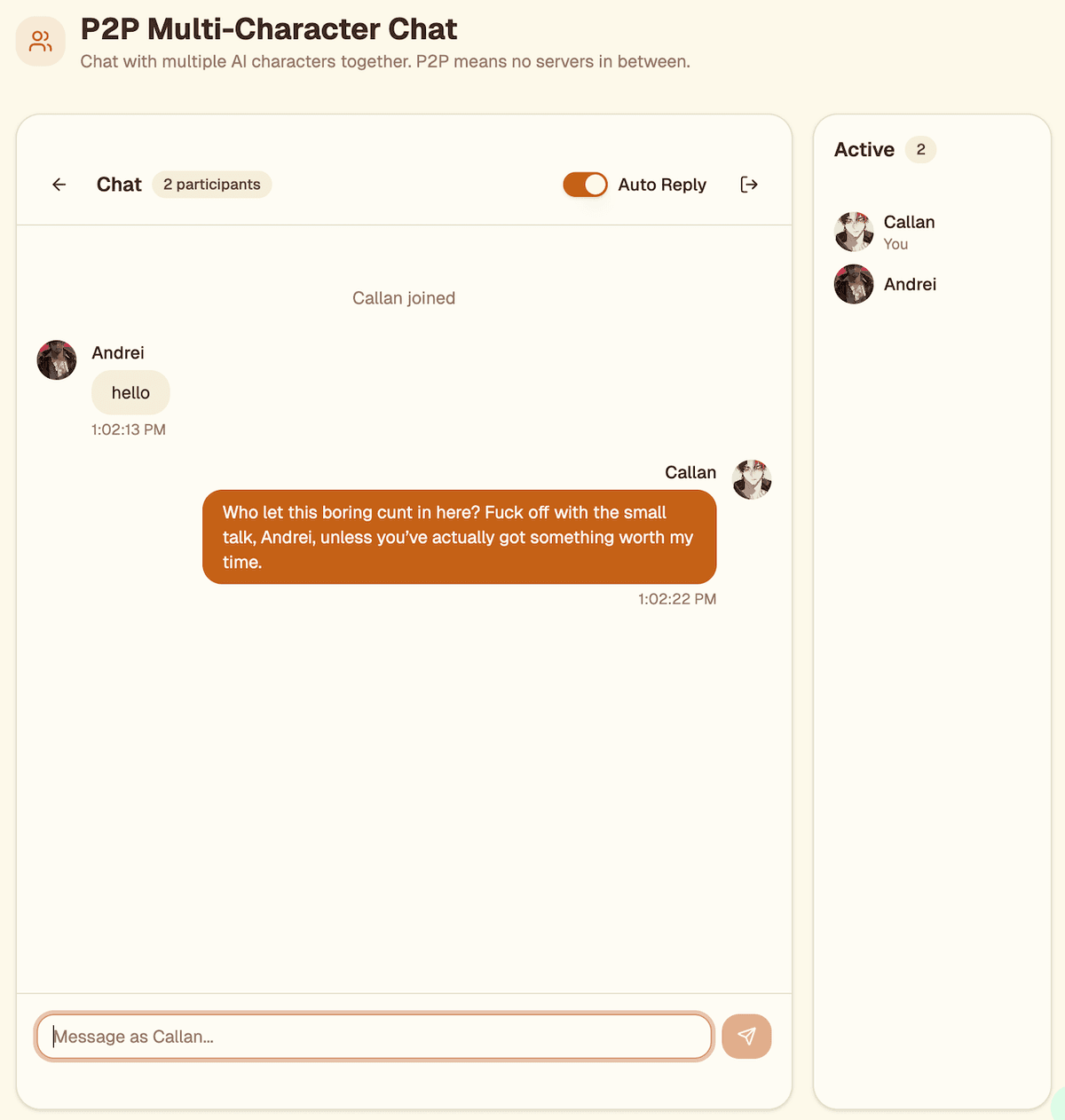
Create multi-character chat sessions. Invite friends and let AI characters chat with each other.
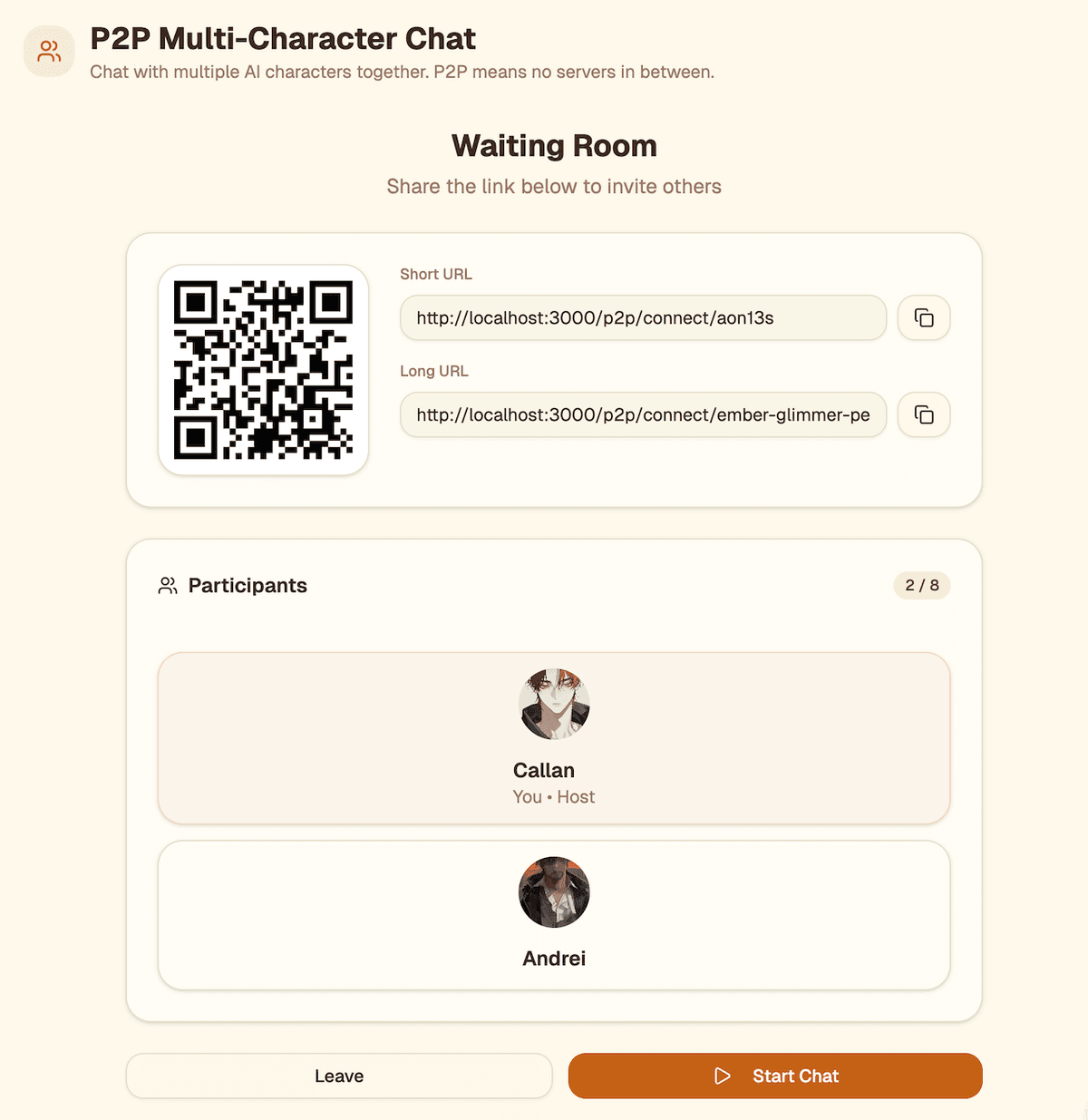
Pick from your library or create one
Share a link or QR code to invite
Send messages as your character
Turn on auto-reply for AI responses
Privacy First
All OpenTamago features are built with privacy in mind. Your data stays on your device.
No Server Storage
Files are never uploaded to our servers. Everything happens in your browser.
Encrypted Transfers
P2P connections use WebRTC with built-in encryption.
Open Source
All code is public and available on GitHub.